Maximum versatility, maximum space use
The world of keyboards is a wide one — nearly as wide as full-size keyboards themselves. Although these boards are the standard keyboard size, they’re positively gargantuan when compared to some of the smaller options that have grown increasingly popular in recent years. But the full-size mechanical keyboard is where it all began, and there are more good reasons for going big than just tradition. Read on to learn more about what makes a keyboard full-size, why one might suit you, what functionality you sacrifice by going smaller, and recommendations on where to start your keyboard shopping.
Find the perfect keyboard size for your desktop or on-the-go setup with our guide to everything from full-size to 20% boards.
Jump to a section:
- What is a full-size keyboard?
- TKL vs. full size: What are the differences?
- 104-Key Layout vs 108-Key Layout
- What is the 1800 (96% or 98%) Layout?
- What are the pros and cons of a full-size keyboard?
- When should I use a full-size keyboard?
- Ergonomic Evolution: Compact HHKB vs. Full-Size
- Frequently Asked Questions about Full-Size Keyboards

What is a full-size keyboard?
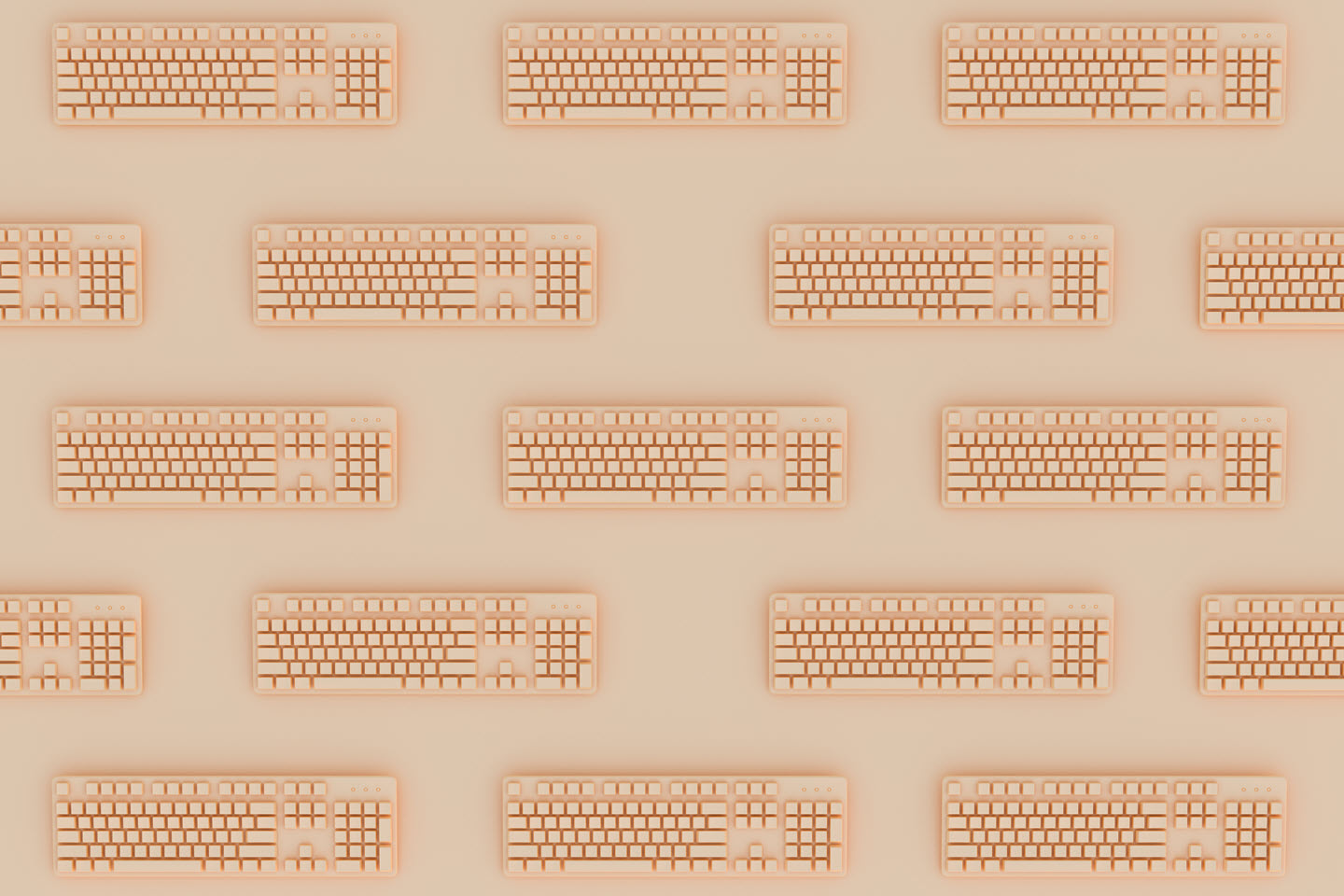
A full-size keyboard is the standard model for desktop computers. It includes the number pad, usually on the far right side of the board, the arrow cluster to the left of that, and modifier keys above the arrow keys. There’s plenty of space between each of the key clusters, and there are typically 104-108 keys on the board. All told, full-size keyboards typically run around 17 inches long — or 427.5 millimeters, or 22.5 standard keycap units. Outside of specialty keyboards, full-size computer keyboards are the longest option on the market and perhaps the most plentiful.
TKL vs. full size: What are the differences?
If there is a contender for the crown of most popular keyboard sizes, it’s the tenkeyless keyboard (or TKL). These boards are also known as 80% keyboards because they lop off the 20% of the full-size keyboard that holds the number pad. Typically, TKL boards retain the usual spacing between the key clusters, but there are also compact TKL boards — sometimes called 75% boards — that squeeze the clusters and drop the screen lock key to save a little more space.
104-Key Layout vs 108-Key Layout
When shopping for a full-size board, you’ll most commonly encounter the 104-key ANSI layout. This is the standard American configuration consisting of the alphanumeric section, the navigation cluster, and the number pad. However, many modern mechanical keyboards have moved toward a 108-key layout.
This "extended" version utilizes the previously empty space above the number pad to add four extra keys. These are typically used for dedicated media controls (Volume Up/Down, Mute) or a shortcut to launch the Calculator app. While the physical footprint remains the same, the 108-key layout offers a slight edge in convenience for office power users.
What is the 1800 (96% or 98%) Layout?
If you need a number pad but find a 17-inch board too cumbersome, the 1800 layout (often called 96% or 98%) is the modern hybrid solution. Originally popularized by the Cherry G80-1800, this design keeps almost every key found on a full-size board but "squishes" them together.
By removing the large gaps of "dead space" between the arrow keys and the numpad, 1800-layout boards provide 100% functionality while being significantly narrower. This layout is an excellent middle ground for professionals who handle heavy data entry but want to reclaim a few inches of desk real estate for their mouse.
Did You Know?: The HHKB layout repositions the control key to make it easier to execute more time-saving commands without leaving the home row. Click here to learn more.
What are the pros and cons of a full-size keyboard?
Pros
Sitting next to those smaller models, full-size keyboards can start to look a little cumbersome. But there are a lot of reasons to go with a full-size board.
- Familiarity: Full may be the keyboard size with which you’re most familiar, and therefore most comfortable on a muscle memory level.
- Key cluster spacing: The spacing between key clusters make the board feel roomier and may prevent accidental keystrokes.
- Number pad: The number pad is far better suited to data entry than the number row at the top of most keyboards.
- Special features: More space on the board means more opportunities for manufacturers to add special features, from media controls to LED screens.
- Maximum versatility: Any size keyboard has the potential for macro mapping — that is, programming single keystrokes to perform multiple inputs. But full-size keyboards offer the most space for macro mapping.
Cons
On the other hand, full-size keyboards have their drawbacks.
- Space: Full-size keyboards take up the most desk real estate, making them tricky for cramped situations.
- Cost: Bigger keyboards require more materials, which often means they cost more to manufacture, and those costs can be passed on to consumers. This is also important to consider when building a custom board, where every key cap and trigger is an additional expense.
- Wasted features: Just because a board comes with media controls doesn’t mean you’ll use them. Extra features may not mean all that much to you.
- Travel: Traveling with a full-size keyboard means losing out on a lot more packing space compared to smaller options.
- Efficiency: A larger keyboard means having to move your hands and fingers more to accomplish your tasks.
When should I use a full-size keyboard?
There are two main use cases in which a full-size keyboard, especially a full-size mechanical keyboard, can be the standout option:
Numbers are your profession
The first is in any scenario in which number entry is a constant concern, as the number pad is an invaluable tool for such tasks. Accounting and data entry are two great arenas for full-size keyboards, and full-size mechanical keyboards will stand up to all those keystrokes.
Gamers looking for an edge
If you’re not using your keyboard for work, you may use it for play. Full-size keyboards can be an asset for gamers, especially those running raids in MMORPGs, as they’ll benefit from the flexibility around macros. The extra features occasionally included on full-size boards can also mean controls for streaming, making your setup that much easier to run. A full-size mechanical keyboard would up the precision of your board and ensure it survives the next several thousand hours of gaming.
Did You Know?: Looking for perfect ergonomics while programming? Check out our guide on the most ergonomic keyboard layout .
Ergonomic Evolution: Compact HHKB vs. Full-Size
While the full-size keyboard is the traditional standard, it presents a significant ergonomic challenge: the "Alpha-to-Mouse" gap. Because a full-size board is so wide, your mouse sits far to the right, forcing your shoulder into an unnatural, flared position during long sessions.
In contrast, a compact 60% keyboard like the HHKB Professional line is designed for "Home Row" efficiency. By eliminating the numpad and moving secondary functions into a logical "Function Layer," the HHKB allows your hands to stay centered. This reduces finger travel and brings your mouse closer to your body’s midline, significantly lowering the risk of shoulder and wrist strain without sacrificing the core keys you use to type and code.
Learn more about the most popular keyboard sizes here.
The Vision of Professor Wada: Why Less is More
The shift from a full-size board to a compact layout isn't just about saving desk space—it’s about a fundamental shift in typing philosophy. When Professor Eiiti Wada designed the HHKB layout in 1996, his goal was to create a "timeless" tool that prioritized the user’s comfort over the machine's legacy.
He famously likened the keyboard to a horse saddle: while computers (the horses) come and go, the saddle (the keyboard) is a personal interface that should last a lifetime. By repositioning the Control key to the home row and eliminating the need to "reach" for far-off clusters, like arrow keys, the HHKB layout minimizes repetitive strain and keeps your hands in their most natural, powerful position.
Ready to evolve your typing experience?
If you're tired of the "maximalist" footprint of a full-size board and ready to embrace a layout designed specifically for those who type to live, explore the HHKB Professional Series. Discover the perfect balance of legendary Topre electrostatic capacitive switches and an ergonomic layout that has remained virtually unchanged for over 25 years.
Frequently Asked Questions about Full-Size Keyboards
How many keys are on a standard full-size keyboard?
A standard full-size keyboard in the ANSI (American) layout typically has 104 keys. In the ISO (European) layout, it usually has 105 keys. Some modern mechanical "100%" boards include four additional keys above the number pad for media or macro controls, bringing the total to 108 keys.
Learn more about the difference between ANSI and ISO keyboard layouts here.
What are the physical dimensions of a full-size keyboard?
While sizes vary by manufacturer, a standard full-size keyboard is approximately 17.5 inches (445 mm) wide. For comparison, this is roughly 6 inches wider than a compact 60% keyboard like the HHKB Professional, which measures approximately 11.6 inches.
What is the difference between "Full-Size" and "1800-Layout"?
A traditional full-size keyboard has distinct gaps between the alphanumeric keys, the arrow cluster, and the numpad. An 1800-layout (often called 96% or 98%) keeps nearly all the keys but "squishes" them together to remove the dead space, offering the same utility in a smaller desk footprint.
Is a full-size keyboard better for gaming or office work?
Full-size keyboards are generally preferred for data entry, accounting, and complex macro-heavy gaming (like MMOs) due to the dedicated numpad. However, for FPS gaming or ergonomic office setups, smaller layouts like TKL or 60% are often preferred because they allow the mouse to be placed closer to the center of the body, reducing shoulder strain.
Can I add a numpad to a smaller keyboard later?
Yes. Many enthusiasts prefer using a compact 60% or 75% keyboard for daily typing and pairing it with a standalone 20% mechanical numpad only when they need to do heavy data entry. This "modular" approach offers the best of both worlds: peak ergonomics and full-size functionality.
Note: Information and external links are provided for your convenience and for educational purposes only and shall not be construed, or relied upon, as medical advice, treatment, or diagnosis. PFU America, Inc. makes no representations about the contents, features, or specifications on such third-party sites, software, and/or offerings (collectively “Third-Party Offerings”) and shall not be responsible for any loss or damage that may arise from your use of such Third-Party Offerings. Please consult a licensed professional regarding your specific health needs.