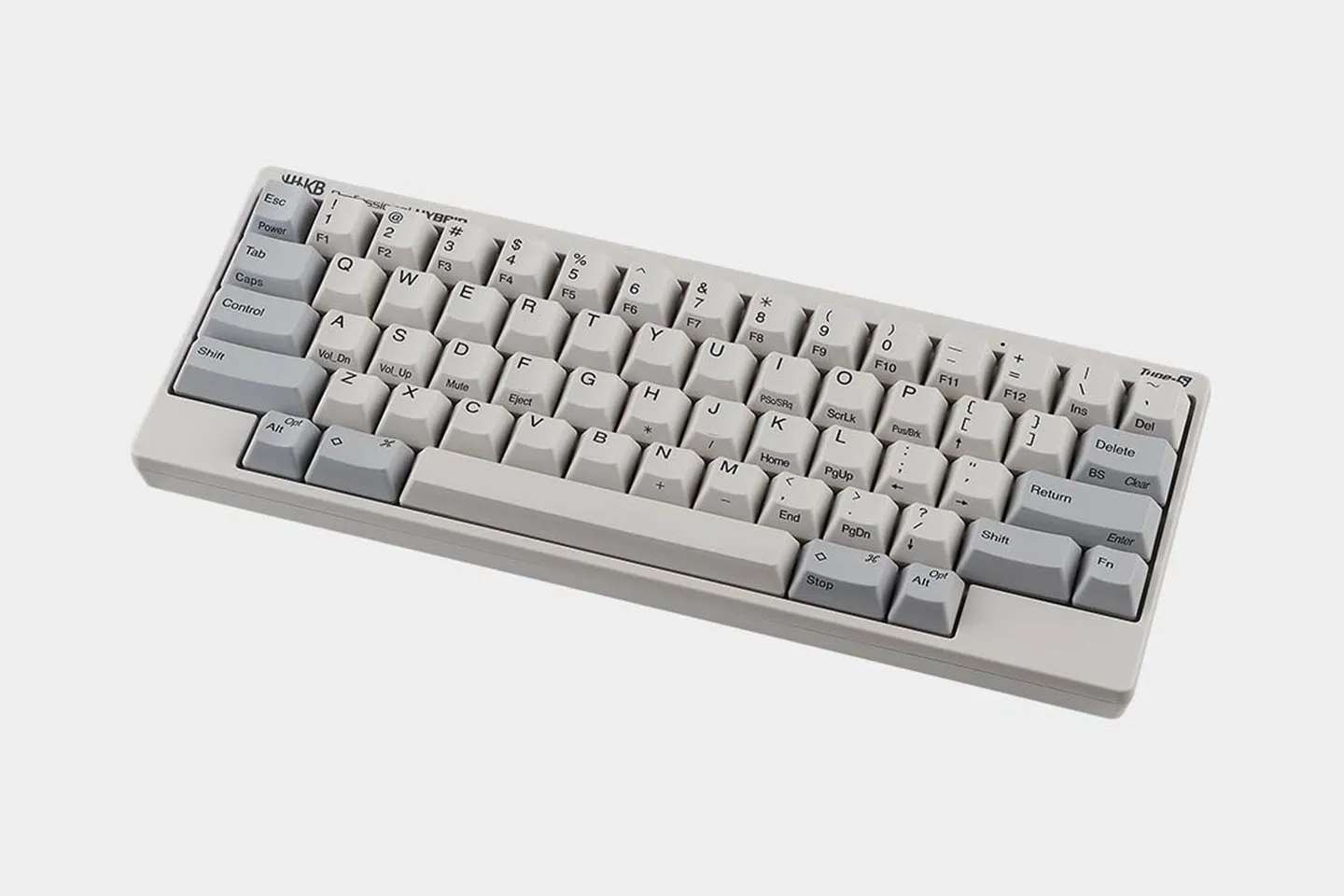
Fully Programmable Keyboards
We make four of our five keyboards programmable in two ways: physical DIP switches on the board and software keymapping through the Keymap Tool. DIP switches change core layout behavior on the keyboard itself, with no application involved. The Keymap Tool (not available on the HHKB Professional Classic) lets you reassign keys and write the result to the board, so you can carry your layout from one computer or device to the next.
Scroll down to learn more and start creating your perfect setup.


How HHKB Fully Programmable Keyboards Work
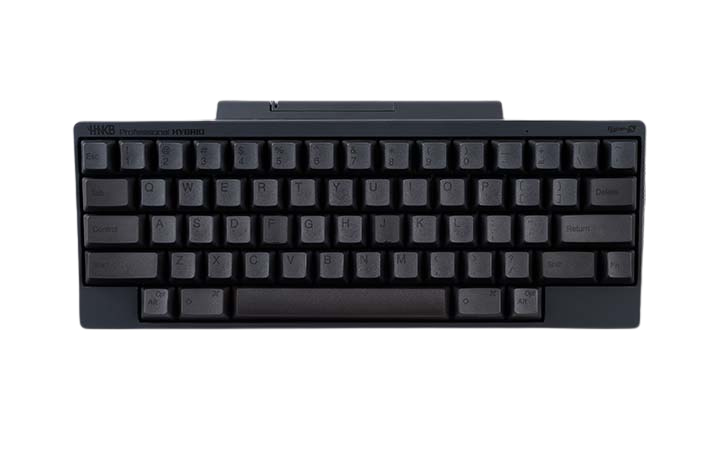
Programmability on an HHKB keyboard works at two levels depending on the model. Every model ships with DIP switches for physical layout changes. Four models add onboard keymapping through our Keymap Tool: the HHKB Professional HYBRID Type-S, HHKB Professional HYBRID, HHKB Professional Classic Type-S, and HHKB Studio.
Changing Your Layout with DIP Switches
DIP switches give every HHKB a layer of customization that needs no software at all. These are small physical toggles on the underside of the board that change how certain keys behave. Because the change happens in hardware, it holds on any computer you plug into, including a locked-down work machine where you cannot install applications.
This is the one form of layout control the Professional Classic offers, and it covers the adjustments most typists reach for first. The other four models keep the DIP switches and add full key remapping on top.
Remapping Keys with the Keymap Tool
The HHKB Professional series and HHKB Studio series use separate Keymap Tool applications, and profiles do not transfer between them. The Professional series Keymap Tool requires a USB connection to a Windows PC. If you build layouts for programming, the Studio's setup is worth a closer look—see the next section for how it's configured differently from the Professional lineup.
Because your layout is stored on the board rather than the host computer, you program it once and it travels to any host device you plug into afterward. A developer who lives in a terminal already has an arrow cluster built into the layer beneath the home row—accessible on every HHKB with the Fn key—so both hands stay in place through long editing sessions.
The Professional Classic is the exception on key remapping. It does not support key remapping through the Keymap Tool so its customization stays at the DIP-switch level.
Studio Profiles, Gesture Pads, and Hot-Swap Switches
HHKB Studio goes further than the Professional series on programmability, with saved profiles and touch controls the Professional models do not have. It stores up to four separate keymap profiles on the device, switchable by shortcut, a capability the Professional series does not offer. Because those profiles live on the board, you switch your whole layout with a shortcut and no software open.
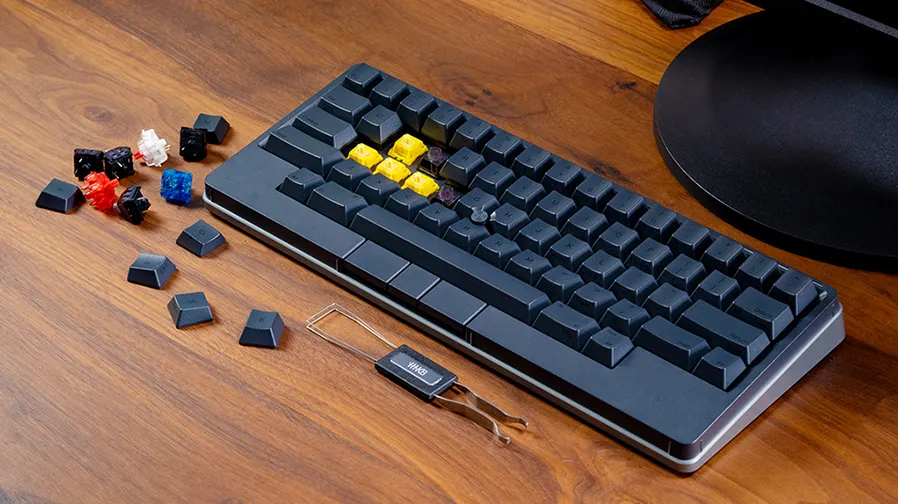
HHKB Studio adds four Gesture Pads, touch-operated zones that can handle anything from volume, window toggling and source movement while coding to application shortcuts. It also includes a pointing stick with three mouse buttons for cursor control without leaving the board. Studio switches are hot-swappable, meaning you can pull and replace them by hand without soldering. Visit the Studio product page to learn more.
Can You Remap Keys without Software?
DIP switches let you change layout behavior on every HHKB with no application at all. Full key remapping, where you reassign what individual keys send, needs the Keymap Tool and is available on the Professional HYBRID Type-S, Professional HYBRID, Professional Classic Type-S, and HHKB Studio. The Professional Classic uses DIP switches only.
Which HHKB Models Are Programmable
Every model is programmable at the DIP-switch level, and four of the five add software keymapping. The table below shows where each customization feature applies.
| Feature | Professional HYBRID Type-S | Professional HYBRID | Professional Classic Type-S | Professional Classic | HHKB Studio |
|---|---|---|---|---|---|
| DIP switches | Yes | Yes | Yes | Yes | Yes |
| Custom keymapping | Yes | Yes | Yes | No | Yes |
| Saved keymap profiles | No | No | No | No | Up to 4 |
| Hot-swap switches | No | No | No | No | Yes |
Verdict: Choose HHKB Studio if you want multiple saved profiles and hot-swap switches, plus Gesture Pads and a pointing stick, in one board. Choose the Professional HYBRID Type-S, Professional HYBRID, or Professional Classic Type-S if you want onboard key remapping with Topre electrostatic capacitive switches. Choose the Professional Classic if you want the pure wired Topre experience and are happy customizing at the DIP-switch level.
Fully Programmable Keyboard FAQs
Yes. We write your keymap to the board's own memory, so it persists across computers without any software installed on the host. This applies to the Professional HYBRID Type-S, Professional HYBRID, Professional Classic Type-S, and HHKB Studio.
We remap keys with the HHKB Keymap Tool. The HHKB Professional series Keymap Tool requires a USB connection to a Windows PC, and HHKB Studio uses a separate Keymap Tool application, so profiles do not transfer between the two. Our support FAQ covers setup details.
No. The Professional Classic does not support key remapping through the Keymap Tool. It offers DIP-switch customization, and the Professional Classic Type-S adds onboard keymapping if you want that capability in a wired board.
HKKB Studio stores up to four keymap profiles on the device, switchable by shortcut. The Professional series does not store multiple profiles. For more on the underlying key arrangement, see our HHKB layout breakdown.