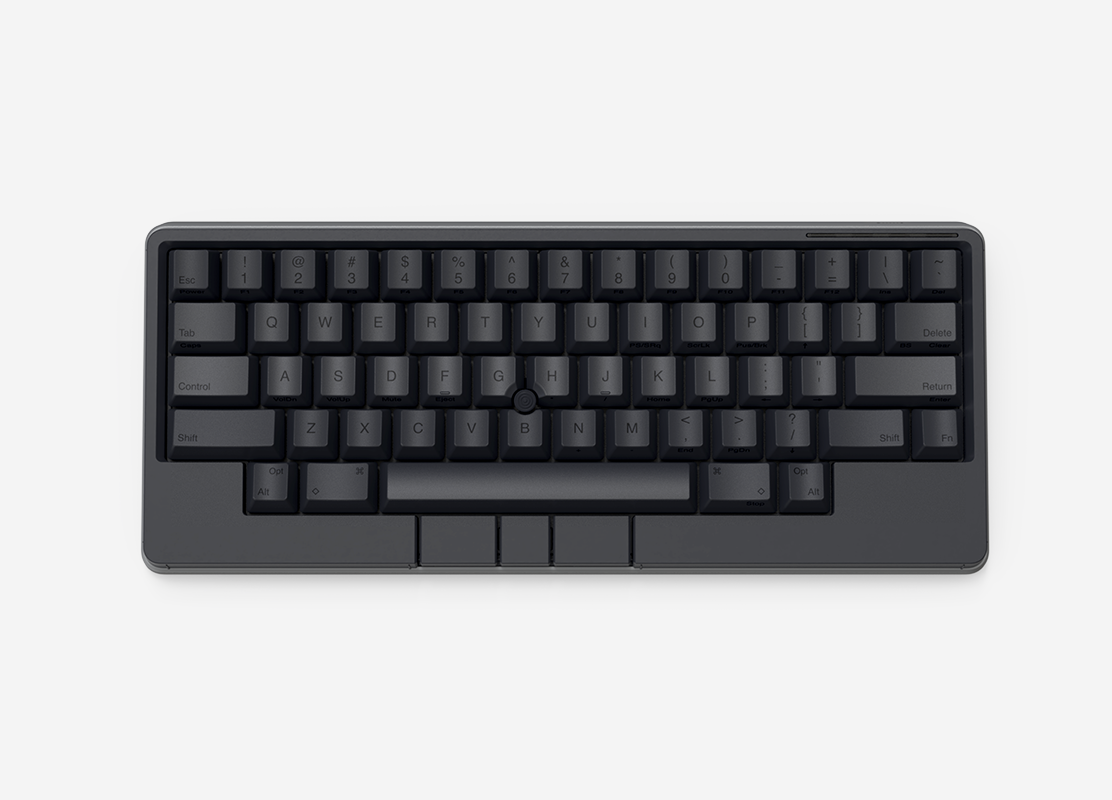

HHKB Studio Mechanical Keyboard
Minimal Movement. Endless Creativity.
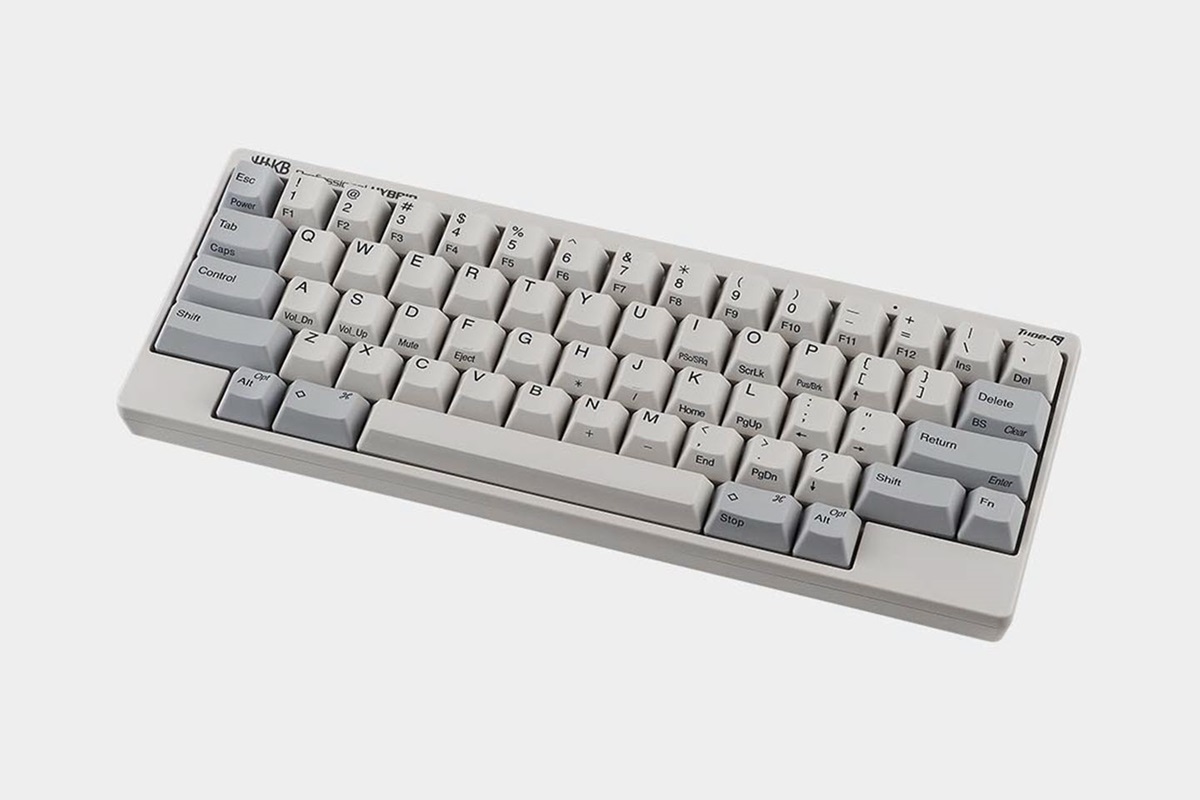
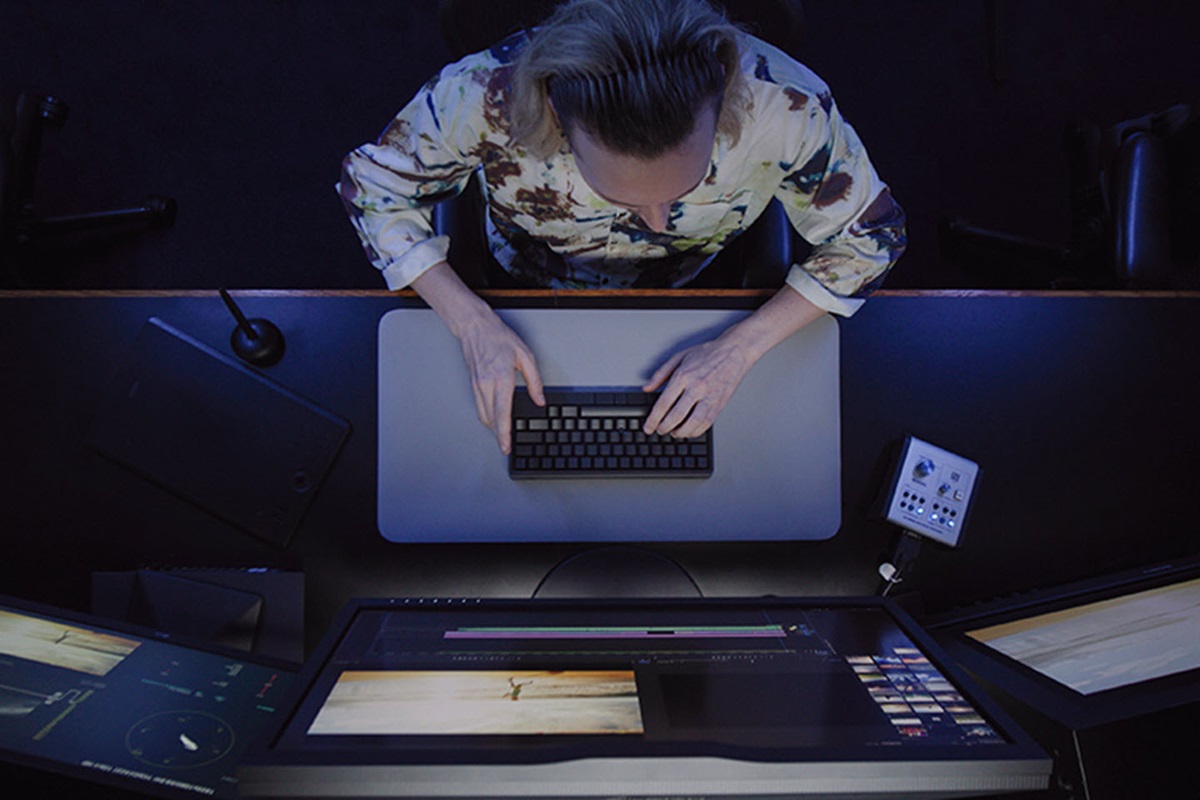
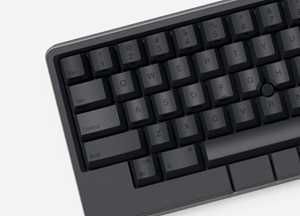
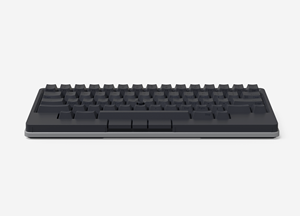
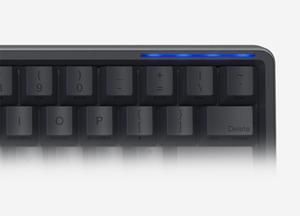
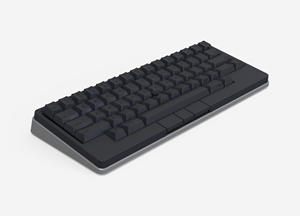
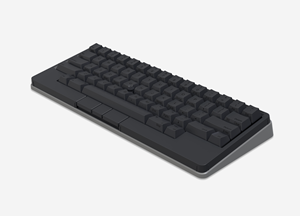
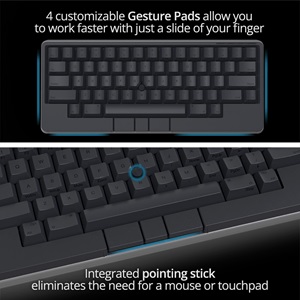
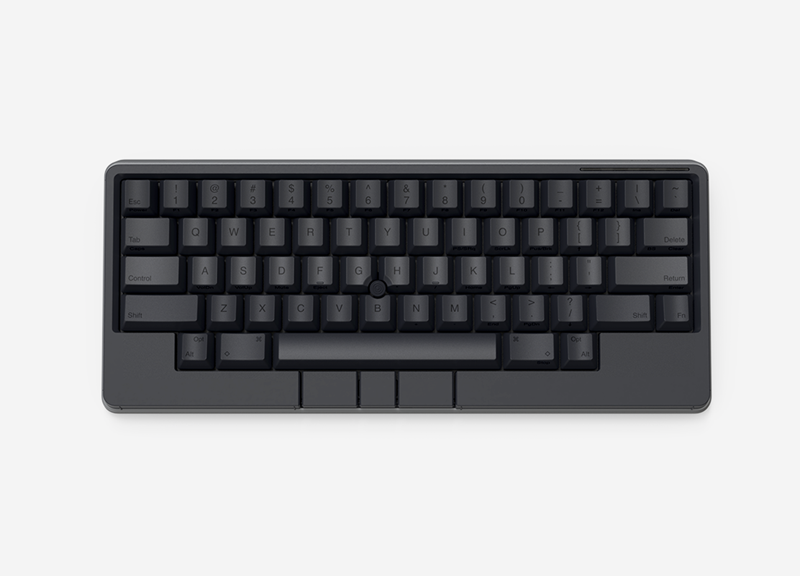
HHKB Studio is a reimagined, all-in-one keyboard that lets users complete any task comfortably and efficiently. Featuring cutting-edge, innovative Gesture Pads, a pointing stick with accompanying mouse buttons, and customizable key layouts, HHKB Studio is a first-of-its-kind keyboard designed for an immersive typing experience, regardless of profession, task, or location.


It gives off a very premium feel. I originally bought it just to try it out, but in the end, I've decided to stick with it. It's grown on me—and now it feels like something I can't easily go back from.
by L.D. from Atlanta, GA
I always wanted a quality keyboard with a track point. So glad HHKB made one.
by Chicago Keyboardist from Chicago, IL
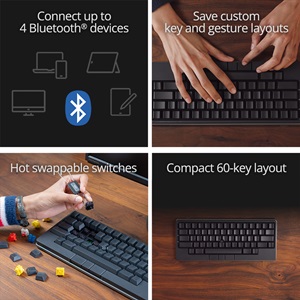
Our new, linear key switches offer a soft, muted tone with light actuation to reduce key chatter and hand fatigue—allowing deep concentration even after hours of typing. This keyboard is also hot-swappable, so you can easily integrate your preferred switches and create your perfect tool and environment for creation.

Change the keymap and Gesture Pad functions to maximize your output. Save up to four customized layout profiles on your keyboard and use shortcut keys to quickly change to a different profile. These different profiles allow you to create optimal and customized keymaps catered to specific applications or operating systems that you use.

| Feature |
 HHKB Studio Keyboard
|
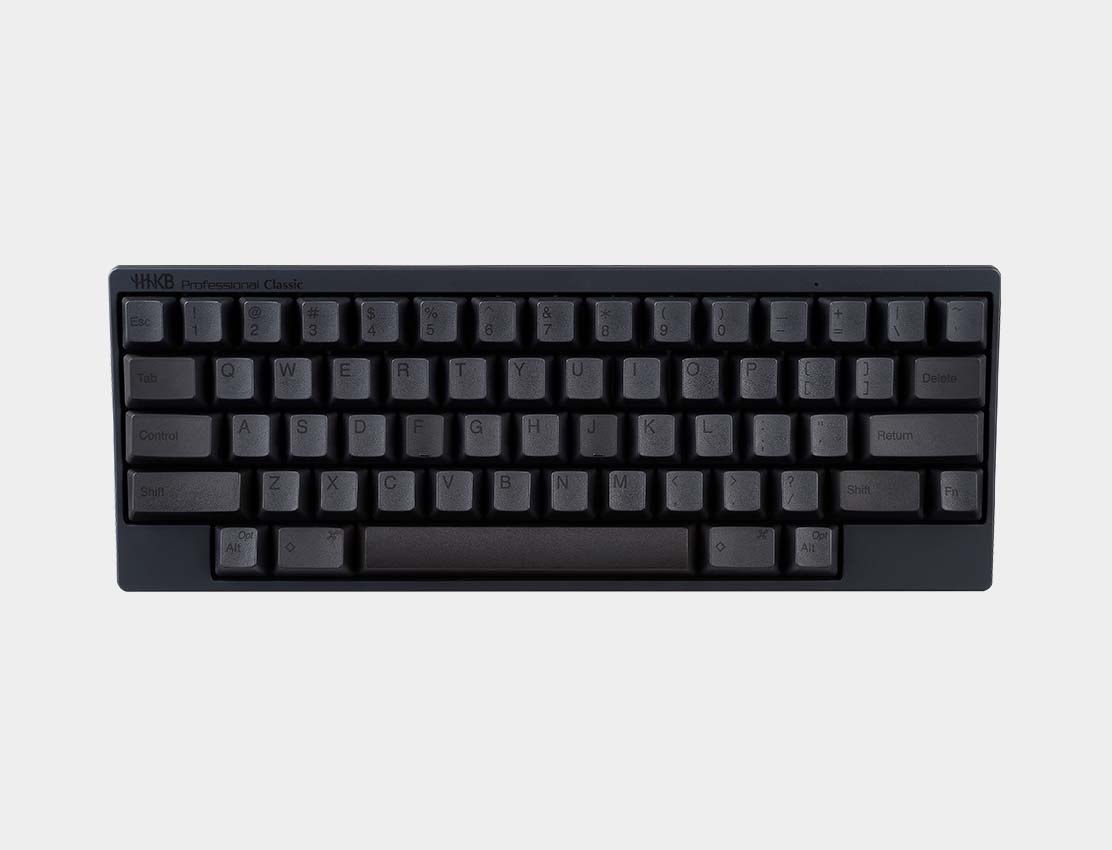 HHKB Professional Classic Keyboard
|
HHKB Professional Classic Type-S Keyboard
|
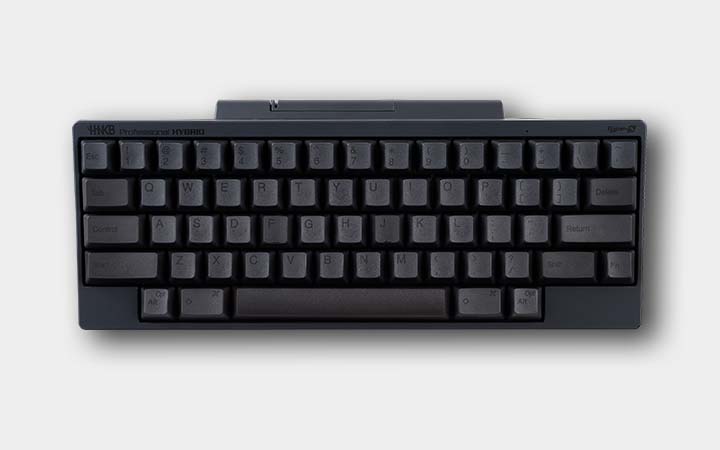 HHKB Professional HYBRID Keyboard
|
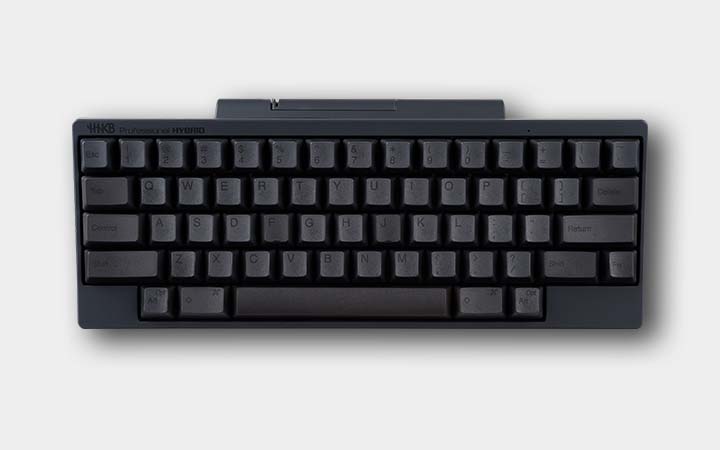 HHKB Professional HYBRID Type-S Keyboard
|
|---|---|---|---|---|---|
| Silent Switches | No | No | No | No | No |
| Switch Type | Linear MX (Hot-Swappable) | Topre | Topre (Silent) | Topre | Topre (Silent) |
| Bluetooth | Yes | No | No | Yes | Yes |
| Custom Keymapping | Yes | No | Yes | Yes | Yes |
| USB Type-C | Yes | Yes | Yes | Yes | Yes |
| DIP Switch Settings | Yes | Yes | Yes | Yes | Yes |
| PBT Space Bar | Yes | Yes | Yes | Yes | Yes |
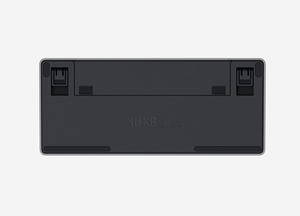
| 3 Adjustable Height Options | Yes | Yes | Yes | Yes | Yes |
| Integrated Pointing Stick | Yes | No | No | No | No |
| Customizable Gesture Pads | Yes | No | No | No | No |
| Available Colors | Charcoal, Snow | Charcoal, White | Charcoal, White, Snow | Charcoal, White | Charcoal, White, Snow |
| Available Keycaps | Charcoal, Snow, Blank, Stamped | Charcoal, White, Snow, Limited Edition Colors, Blank, Stamped | Charcoal, White, Snow, Limited Edition Colors, Blank, Stamped | Charcoal, White, Snow, Limited Edition Colors, Blank, Stamped | Charcoal, White, Snow, Limited Edition Colors, Blank, Stamped |
| Studio | Pro Classic | Pro Classic Type-S | Pro HYBRID | Pro HYBRID Type-S |
The HHKB was designed for programmers by programmers to provide a unique keying experience and to reduce hand and finger fatigue. Unique characteristics include:
The HHKB Keyboard comes with a 2-year certified U.S. manufacturer’s warranty. We encourage you to register your product to stay informed about important updates.
Important: Registration is optional and not required to maintain your warranty. Your warranty rights remain intact even if you choose not to register.
You can register your keyboard here.
There are two points: Immersion and Customizability.
This time, HHKB Studio has proposed a new concept as a completely different product line for the Professional series.
One of its core concepts is customizability. As for the key switches, we actively adopted the Cherry MX-compatible key switch, which is one of the most versatile key switch in the world, and made the keyboard hot-swappable, while ensuring high quality and high performance.
This makes it possible for each user to create their own perfect keyboard, personalized to their specific preferences and needs.
The Professional series will continue to use Topre capacitive switches and continue to be sold at the same time.
HHKB Studio is compatible with switches with MX-style 3- and 5-pin mechanical switches (for example, made by Cherry, Gateron, Kailh, etc.) in normal profiles.
No. HHKB Studio utilizes a different application than HHKB Professional, so to change HHKB Studio keymap, you will need to download the HHKB Studio Keymap Tool software application.
No, they cannot. They can only be used with the series for which they were saved.


Snow full key top set designed for HHKB Studio keyboard. Comes with 60 key tops and a two-in-one key top and switch puller. Available in blank, gray stamp, or black stamp.

Original HHKB 45g linear silent mechanical switches designed for a smooth typing experience. Comes with 10 switches and a two-in-one keycap and switch puller.