Custom Mechanical Keyboards
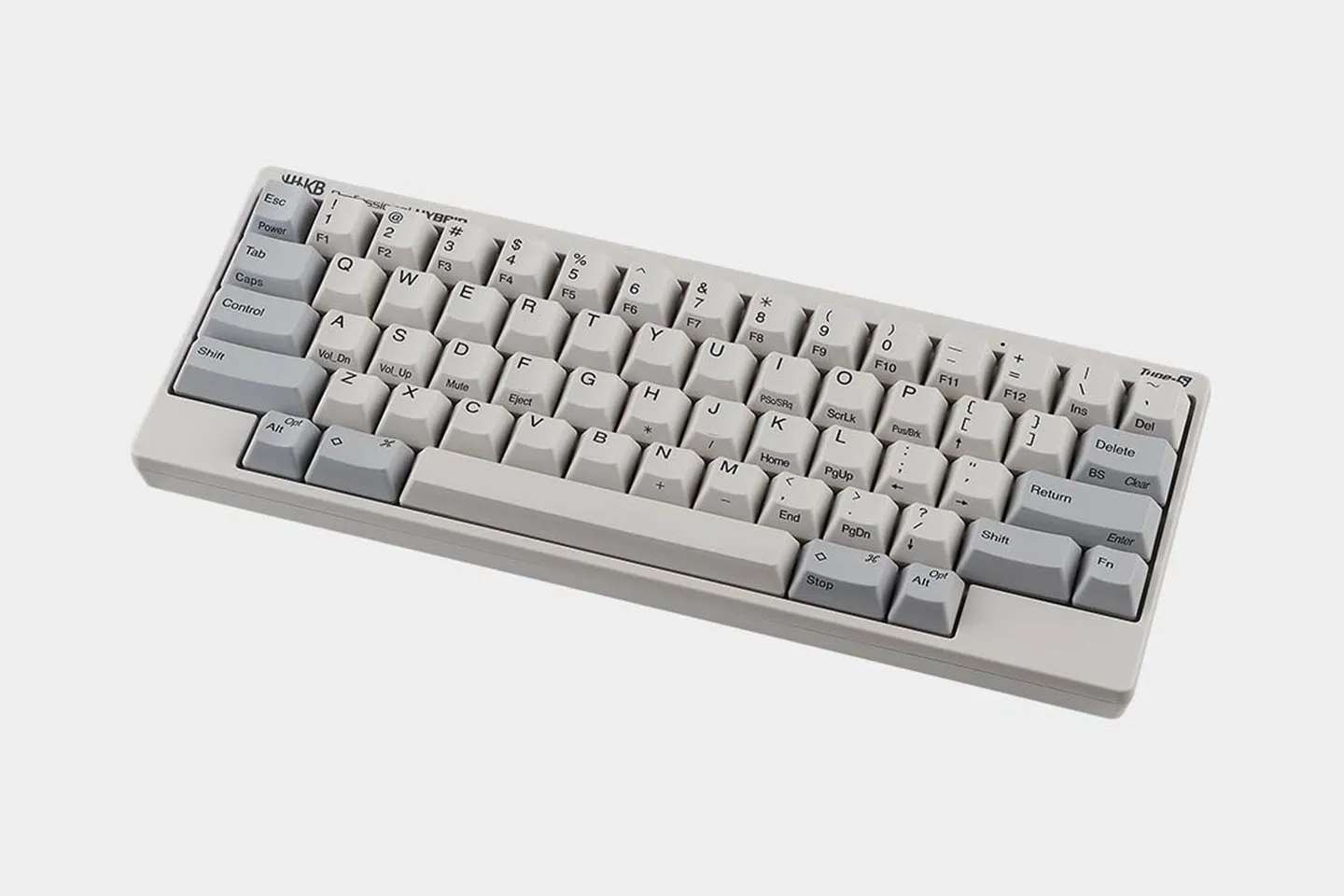
Design your dream keyboard with our fully customizable HHKB 60% mechanical keyboards. Tailor every detail, from keycaps to layouts and aesthetics, for a personalized typing experience. These compact and portable keyboards combine the iconic HHKB design and quality with the flexibility to suit your unique style and needs. Perfect for professionals and enthusiasts, they offer unmatched performance and adaptability for any setup.
Start customizing your ideal keyboard today!
Our Best Custom Mechanical Keyboards
Featuring cutting-edge, innovative Gesture Pads, a pointing stick with accompanying mouse buttons, interchangeable keycaps with both blank and stamped variations, and customizable key layouts HHKB Studio is a first-of-its-kind keyboard designed for an immersive typing experience, regardless of profession, task, or location.
SHOP HHKB STUDIO BELOW


Do You Have to Build a Custom Keyboard From Scratch?
No. HHKB keyboards arrive fully assembled and tuned, so you’ll be customizing a keyboard that already types well. A barebones kit asks you to source a case, PCB, plate, stabilizers, and switches, then solder them together before you can type. We ship a finished instrument, and you adjust it afterward.
You can hot-swap switches on the Studio, and you can swap keycaps across every HHKB line to change its look. To plan those changes, read our keyboard sizes guide.
Swap Switches Without Soldering on HHKB Studio
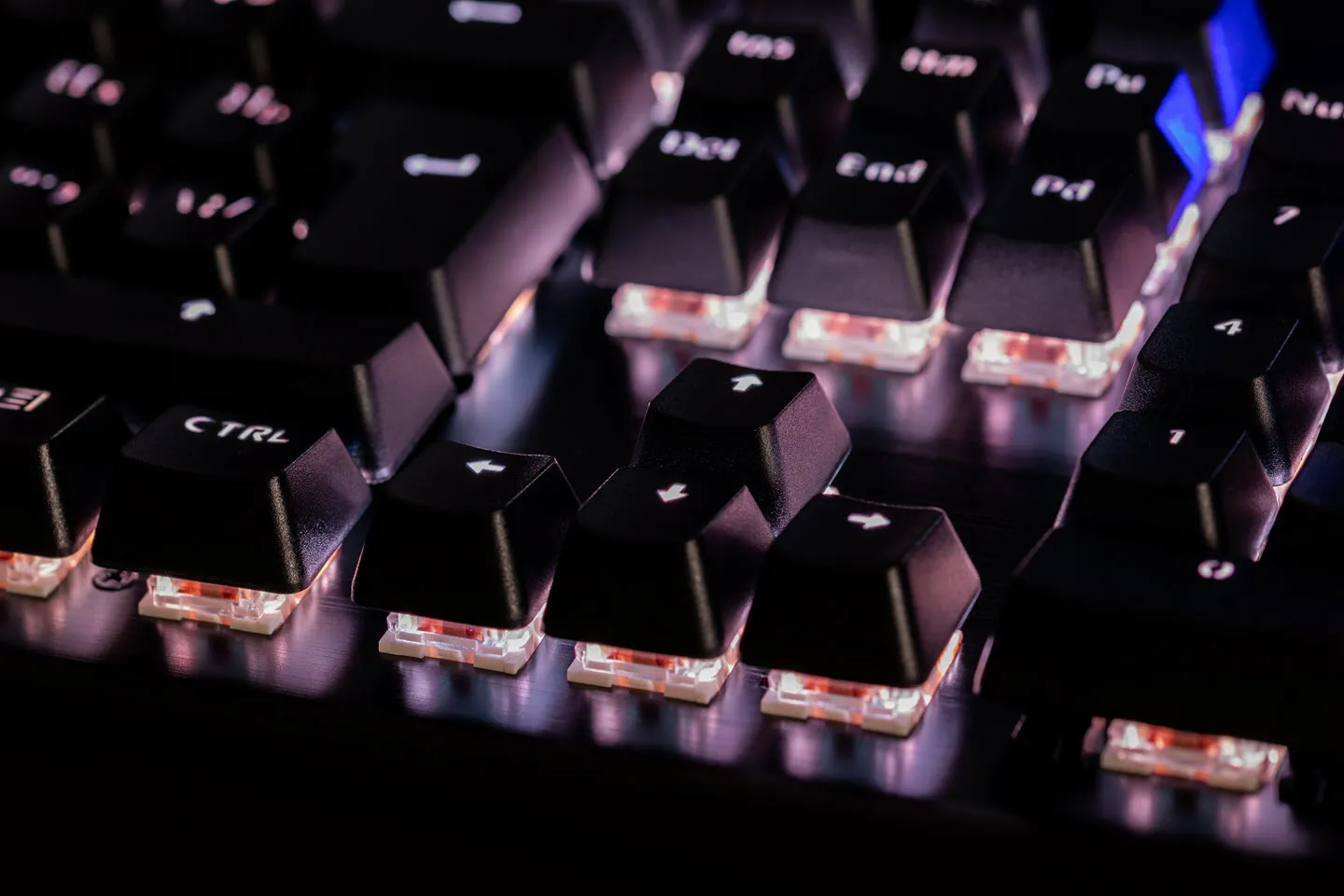
The HHKB Studio is the only HHKB with hot-swappable switches. Hot-swappable means the switches sit in sockets you can pull and re-seat without soldering. That lets you change the typing feel yourself whenever your taste shifts.
The Studio ships with the HHKB Studio Original Kailh Linear 45g, a Cherry MX compatible linear switch. It also accepts MX-style 3-pin and 5-pin switches from Cherry, Gateron, and Kailh. Because the sockets take standard MX stems, you can retune the sound and bottom-out yourself.
To see the full switch and layout system, visit the HHKB Studio.
Remap Any Key to Fit How You Work
You can reassign any key on the Studio, Pro HYBRID Type-S, Pro HYBRID, and Pro Classic Type-S. Keymapping means changing what a key sends when you press it. So you can move Control or an arrow layer to where your fingers already reach.
The Professional Keymap Tool runs over USB from a Windows PC and does not run on Linux. The Studio uses its own application and stores up to four layout profiles on the keyboard, switchable by shortcut.
Settings live on the keyboard itself, so your layout follows you from one host computer to the next. Profiles do not transfer between the Professional series and the Studio.
The Pro Classic is the exception, with no custom keymapping, so its layout is set through DIP switches alone. These are our fully programmable keyboards.
Customize Keycaps
Every HHKB keyboard lets you change its keycaps without any software. We make the keycaps from PBT plastic, textured to resist shine and stay dry. The dye-sublimated legends do not fade, and you can choose blank or stamped sets.
Compare finishes and profiles when choosing your keycaps.
HHKB Customization by Model
Customization depends on the model, so this matrix shows what each HHKB lets you change. The Studio is the only model with hot-swap switches, on-device profiles, and integrated pointing controls.
Among the Professional models, remapping is the dividing line. The Pro HYBRID Type-S, Pro HYBRID, and Pro Classic Type-S are programmable, while the Pro Classic is not.
| Feature | Studio | Pro HYBRID Type-S | Pro HYBRID | Pro Classic Type-S | Pro Classic |
|---|---|---|---|---|---|
| Swap switches (hot-swap) | Yes | No | No | No | No |
| Custom keymapping | Yes | Yes | Yes | Yes | No |
| Keycaps (blank + stamped) | Yes | Yes | Yes | Yes | Yes |
| DIP switches | Yes | Yes | Yes | Yes | Yes |
| Height settings | 3 | 3 | 3 | 3 | 3 |
| Gesture Pads + pointing stick | Yes | No | No | No | No |
| Bluetooth (up to 4 devices) | Yes | Yes | Yes | No | No |
The Studio's sockets follow the same standard as other Cherry MX compatible keyboards, so third-party MX switches drop in.
Which HHKB Keyboard Should You Customize?
Choose HHKB Studio for switch swapping, saved profiles, and mouse functionality. Choose HHKB Pro HYBRID Type-S or Pro HYBRID for wireless, remappable Topre switch typing, with the Type-S adding quieter keystrokes. Choose the Pro Classic Type-S for wired, remappable, silenced Topre. Choose the Pro Classic for wired Topre typing without remapping.
Customize Your HHKB Keyboard
Your next step depends on how much you want to change. If you want hot-swappable switches and saved layout profiles, start with the Studio. If you want the Topre typing feel with remapping, compare the HHKB Professional line by connectivity and silencing. Both options end with you customizing an already legendary and capable HHKB keyboard.
Custom Mechanical keyboard frequently asked questions
No. Only the Studio is hot-swappable. The Professional series uses Topre electrostatic capacitive switches, a non-contact design fixed to the board.
Yes. The Studio accepts MX-style 3-pin and 5-pin switches from Cherry, Gateron, and Kailh. It ships with the HHKB Studio Original Kailh Linear 45g.
The Studio, Pro HYBRID Type-S, Pro HYBRID, and Pro Classic Type-S all support custom keymapping. The Pro Classic does not, so you set its layout through DIP switches. See how the keys are arranged in our guide to keyboard layouts.
Every HHKB uses PBT keycaps with dye-sublimated legends that are designed to resist fading. You can choose blank or stamped sets, and both use the same textured surface.
Yes. A three-stage foot gives three typing angles, and DIP switches adjust key behavior in hardware. Neither change needs a computer.